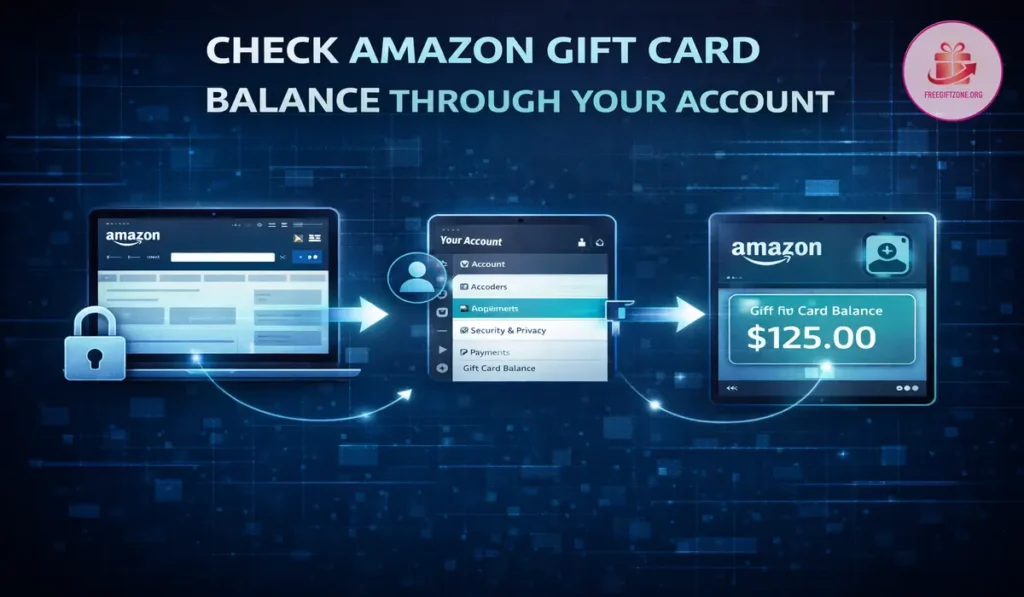
Amazon Gift Cards are widely used for shopping, digital purchases, and subscription payments, yet many users are unsure how to check their available balance before placing an order. Confusion usually happens when people assume the balance will show automatically at checkout, or when they try to find a separate balance checker page without signing in. Amazon does not provide a public balance lookup tool for security reasons, and the only accurate way to view your gift card balance is through your own Amazon account.
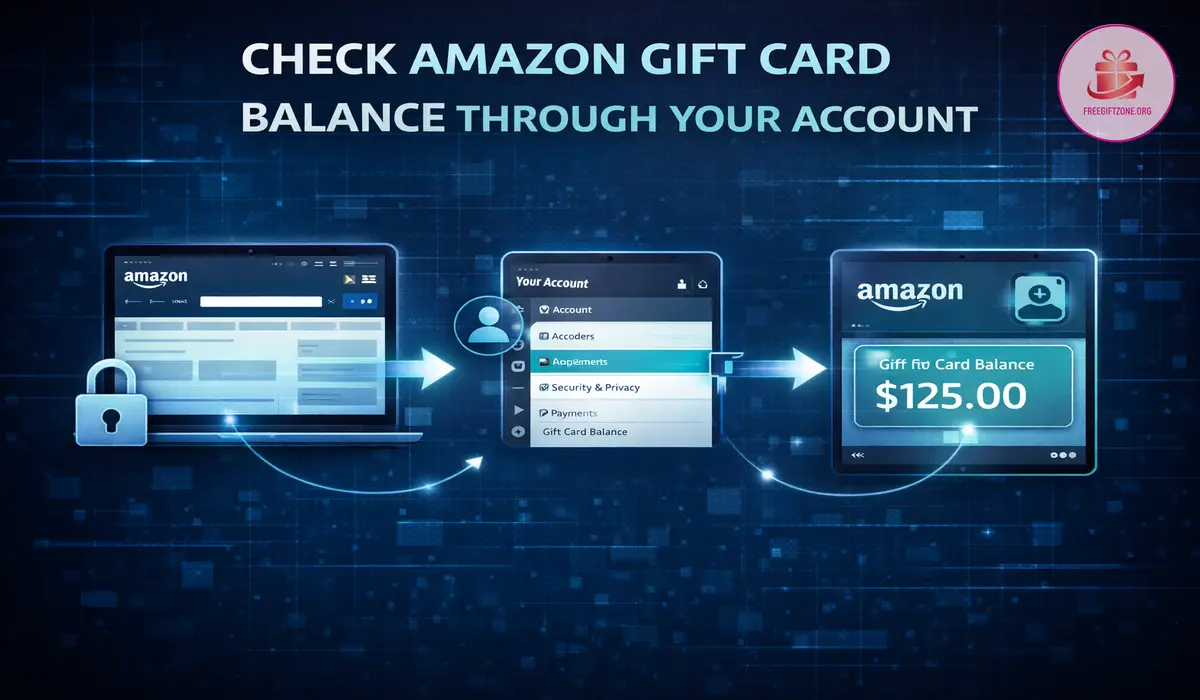
This guide explains the correct and current methods to check your Amazon Gift Card balance using the official website and the Amazon mobile app, along with important details that prevent common mistakes. If you are checking an older stored balance, Amazon has also noted that many of its gift cards do not expire in the United States, which is why older unused value can still matter when you review your account history. Amazon’s holiday gift card announcement includes that no-expiration point directly.
Check Amazon Gift Card Balance on the Website
The most reliable method to check your balance is directly from your Amazon account using a web browser.
Step-by-step process on a desktop or mobile browser
- Open your web browser and go to the official Amazon website for your country
- Sign in using the Amazon account where the gift card was redeemed
- Hover over or click on “Accounts & Lists” and then select “Your Account.”
- Click on “Gift Cards” or “Manage Your Gift Card Balance”
- Your current total gift card balance will be displayed at the top of the page
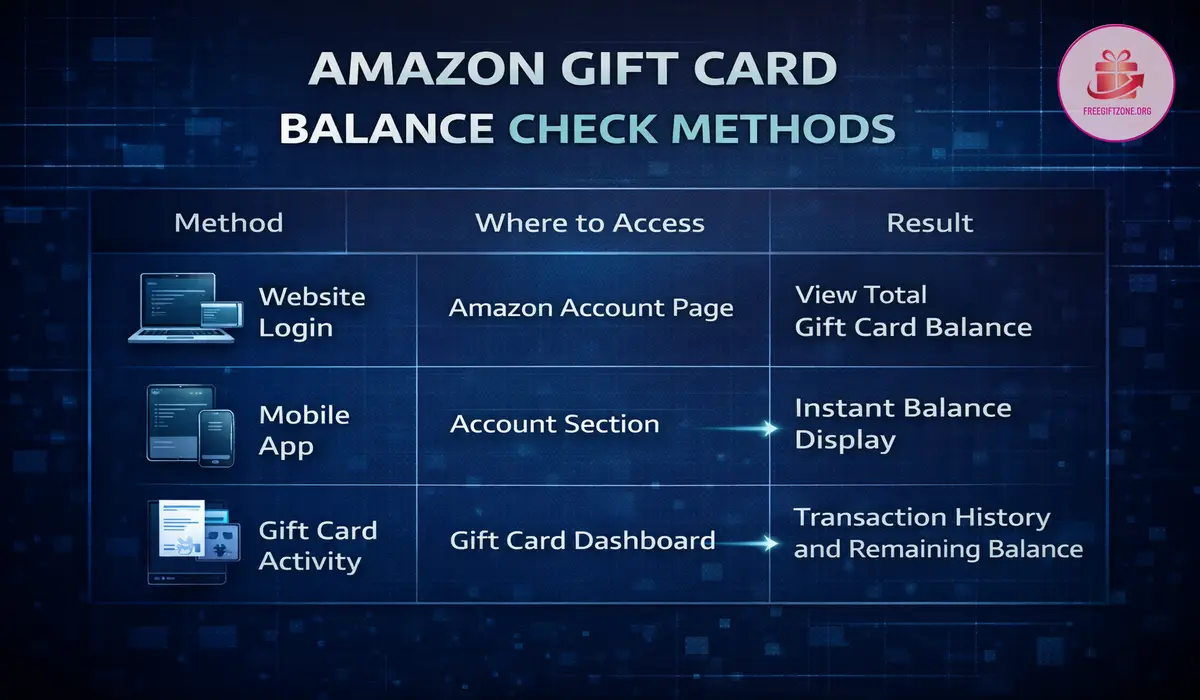
The balance shown here reflects all gift cards that have already been redeemed to your account. If multiple cards were added over time, the total amount will appear as one combined balance.
Check Amazon Gift Card Balance in the Amazon App
You can also view your balance quickly through the official Amazon shopping app on Android or iPhone.
Step by step process inside the app
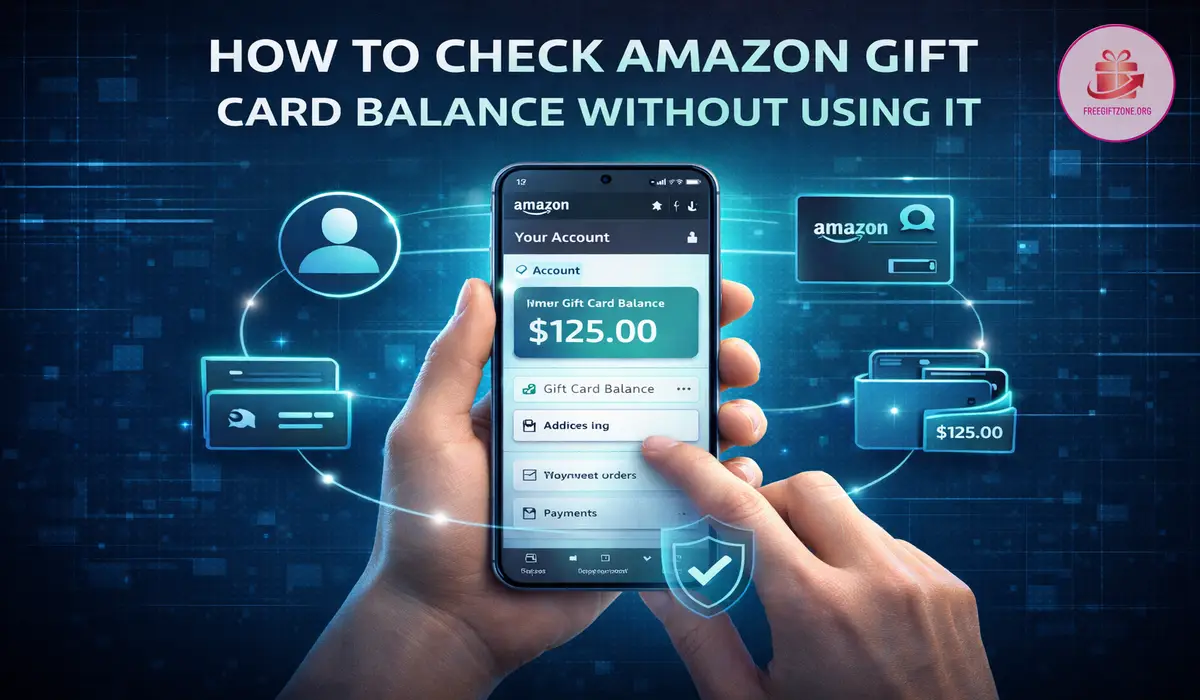
- Open the Amazon app and make sure you are signed in
- Tap on the profile or account icon
- Scroll to find “Your Account.”
- Tap on “Gift Card Balance” or “Manage Gift Card Balance”
- Your available balance will appear on the screen
The app shows the same account balance that appears on the website, since the balance is linked to your Amazon account rather than to a specific device.
View Gift Card Activity History
Amazon also provides a record of gift card activity once you are inside the gift card section of your account.
What you can see in activity history
- The date when each gift card was redeemed
- The amount added to your account
- Purchases where gift card balance was used
- Remaining balance after transactions
This history helps confirm when funds were added and how they were applied to past orders.
Important Things to Know Before Checking Balance
Understanding a few system rules can prevent confusion when looking for your gift card balance.
- You must sign in to the exact Amazon account where the gift card was redeemed
- Unredeemed gift card codes cannot be checked publicly without adding them to an account
- The balance automatically applies to eligible purchases during checkout
- If your order total exceeds your gift card balance, Amazon charges the remaining amount to your default payment method
Amazon does not offer a public balance checker that works without an account login. Any external website claiming to check the balance without signing in is not supported by Amazon.
Why Balance May Not Appear Immediately at Checkout
Sometimes users expect the balance to appear on the first checkout screen, but Amazon applies gift card balance during the final payment stage.
If your gift card balance fully covers the order, the entire amount will be deducted from the balance. If the balance covers only part of the order, Amazon uses the balance first and then charges the remaining amount to your backup payment method.
Preview screens may show your default card first, but the final deduction follows Amazon’s billing sequence at confirmation.
Conclusion
Checking your Amazon Gift Card balance is straightforward once you understand that the balance lives inside your Amazon account and not on the physical card itself. The only official way to view your available balance is by signing in to your Amazon account through the website or mobile app and navigating to the Gift Card section.
By verifying your balance before placing an order, you avoid checkout confusion and unexpected payment splits. Using the official account pages ensures accuracy and protects you from unreliable 3rd party tools that claim to offer instant balance checks without login.